
-
×
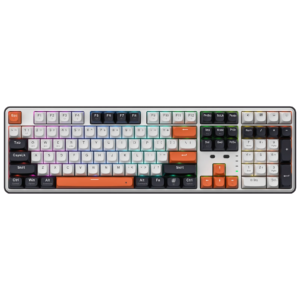 Redragon WYVERN K689 PRO Wireless Mechanical Gaming Keyboard
1 × ₨ 16,746
Redragon WYVERN K689 PRO Wireless Mechanical Gaming Keyboard
1 × ₨ 16,746 -
×
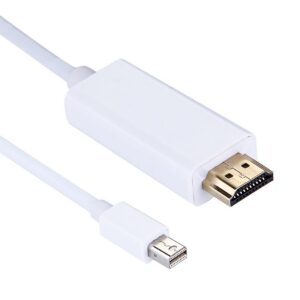 Mini Display Male to HDMI Male Cable – 1.8M
1 × ₨ 1,400
Mini Display Male to HDMI Male Cable – 1.8M
1 × ₨ 1,400 -
×
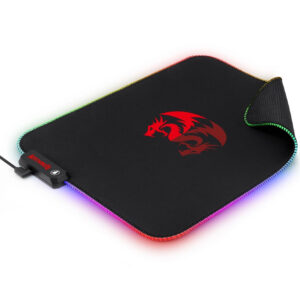 Redragon P026 PLUTO RGB Mouse Pad
1 × ₨ 4,735
Redragon P026 PLUTO RGB Mouse Pad
1 × ₨ 4,735 -
×
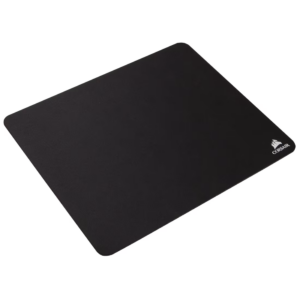 Corsair MM100 Cloth Gaming Mouse Pad (CH-9100020-WW)
1 × ₨ 25
Corsair MM100 Cloth Gaming Mouse Pad (CH-9100020-WW)
1 × ₨ 25 -
×
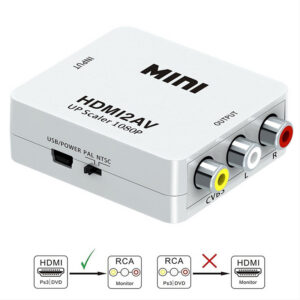 Hdmi to AV adapter MINI BOX 1080P
1 × ₨ 1,200
Hdmi to AV adapter MINI BOX 1080P
1 × ₨ 1,200 -
×
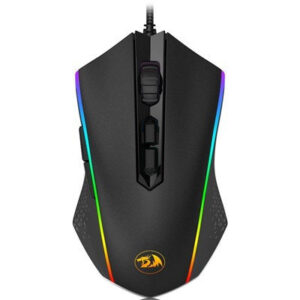 Redragon M710 Memeanlion Chroma RGB Gaming Mouse
1 × ₨ 5,038
Redragon M710 Memeanlion Chroma RGB Gaming Mouse
1 × ₨ 5,038 -
×
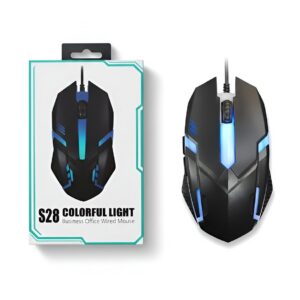 S28 RGB Gaming Wired Mouse Precision Control with Dynamic Lighting
1 × ₨ 850
S28 RGB Gaming Wired Mouse Precision Control with Dynamic Lighting
1 × ₨ 850 -
×
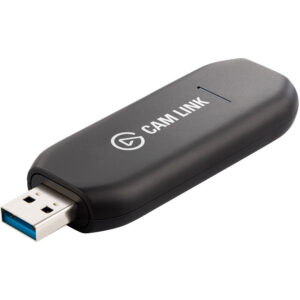 Corsair Elgato Cam Link 4K – Compact HDMI Capture Device, USB 3.0
1 × ₨ 340
Corsair Elgato Cam Link 4K – Compact HDMI Capture Device, USB 3.0
1 × ₨ 340 -
×
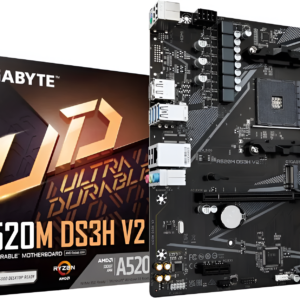 Gigabyte A520M DS3H V2 Motherboard - Supports AMD Ryzen 5000
1 × ₨ 25,500
Gigabyte A520M DS3H V2 Motherboard - Supports AMD Ryzen 5000
1 × ₨ 25,500 -
×
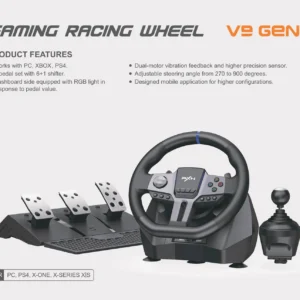 PXN STEERING WHEEL V9 GEN 2
1 × ₨ 0
PXN STEERING WHEEL V9 GEN 2
1 × ₨ 0 -
×
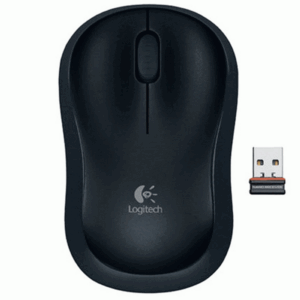 Logitech B175 Wireless Mouse-Ergonomic design (Black)
1 × ₨ 34
Logitech B175 Wireless Mouse-Ergonomic design (Black)
1 × ₨ 34 -
×
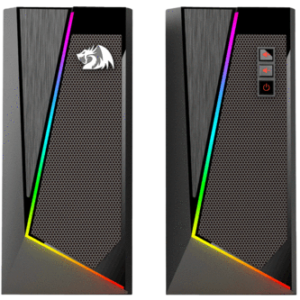 Redragon GS520 ANVIL RGB PC Gaming Speakers
1 × ₨ 6,281
Redragon GS520 ANVIL RGB PC Gaming Speakers
1 × ₨ 6,281 -
×
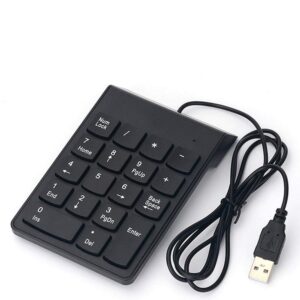 Usb Numeric Keyboard
1 × ₨ 945
Usb Numeric Keyboard
1 × ₨ 945 -
×
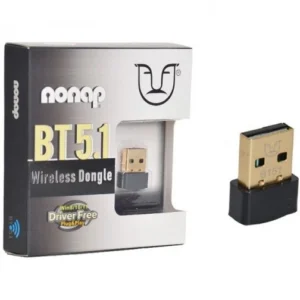 NONOP B151 USB 5.1 Bluetooth
2 × ₨ 649
NONOP B151 USB 5.1 Bluetooth
2 × ₨ 649 -
×
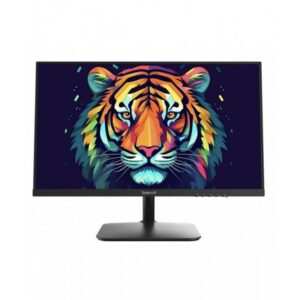 Redragon VAGA 24-inch Gaming Monitor - BM24V9
1 × ₨ 24,500
Redragon VAGA 24-inch Gaming Monitor - BM24V9
1 × ₨ 24,500 -
×
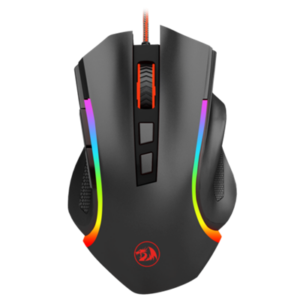 Redragon M607 GRIFFIN RGB Gaming Mouse, 7200 DPI (Black)
1 × ₨ 4,471
Redragon M607 GRIFFIN RGB Gaming Mouse, 7200 DPI (Black)
1 × ₨ 4,471 -
×
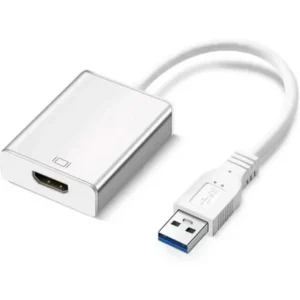 USB 3.0 to HDMI Converter
1 × ₨ 1,560
USB 3.0 to HDMI Converter
1 × ₨ 1,560 -
×
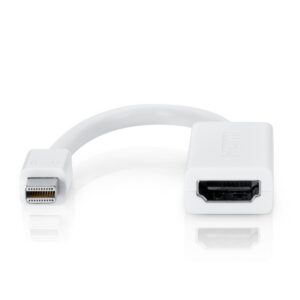 Mini Display to HDMI Converter
1 × ₨ 649
Mini Display to HDMI Converter
1 × ₨ 649
Subtotal: ₨ 95,572
There are no reviews yet.