-
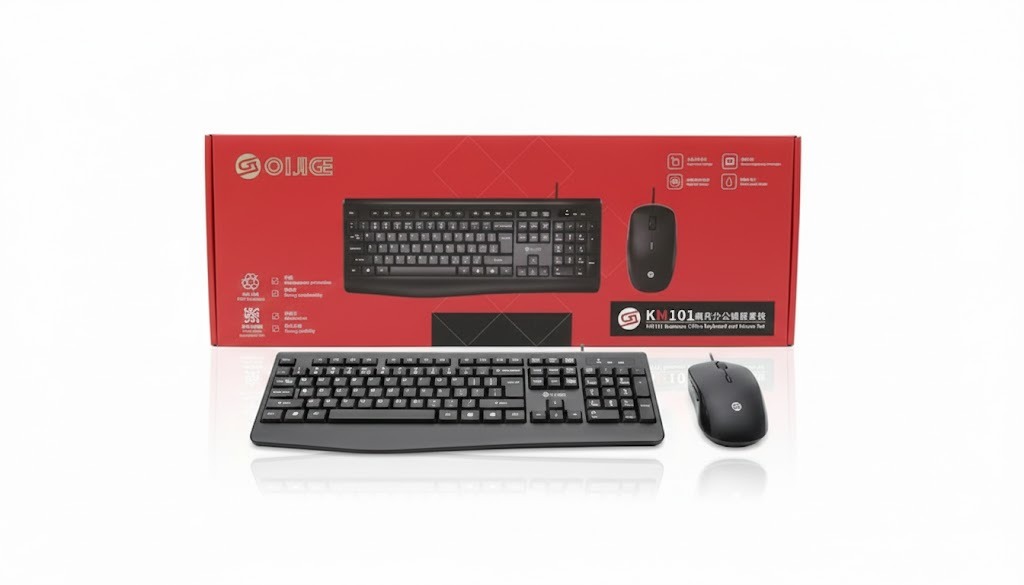
Reliable & stable connection. Because the K101 is wired, it offers a consistent, uninterrupted connection, with virtually no input‑lag or signal drop. That’s good for productivity, data‑entry, typing or any sustained office tasks.
-
No batteries or charging headaches. Unlike wireless combos, you don’t have to worry about charging, replacing batteries or losing connection when battery runs out — as long as your PC is on, the comboworks.
Budget‑friendly and simple. Wired combos tend to be cheaper and easier to set up (plug‑and‑play via USB), which makes them a practical choice especially when equipping multiple desks or desktops at an office. Consistency under heavy use. For long typing sessions, frequent data input or work on a fixed workstation, wired peripherals tend to be more dependable than wireless ones (no interference, no reconnection issues)
All Item List, Keyboard & Mouse
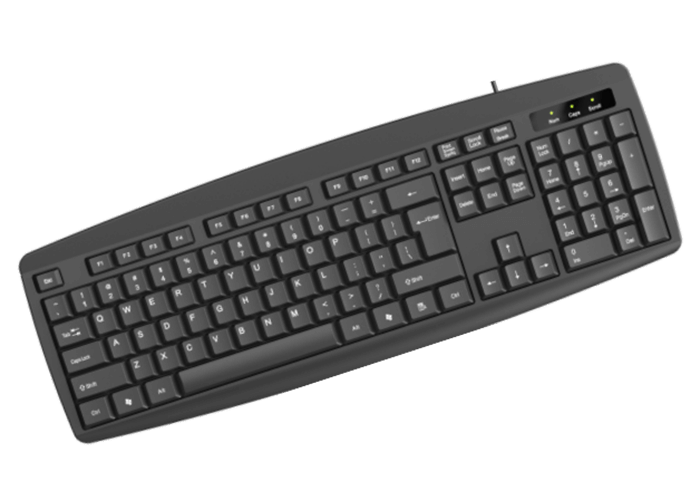
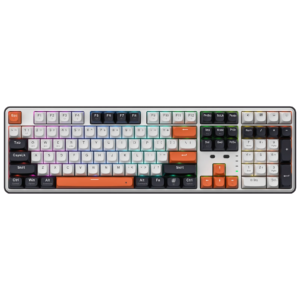
OIJIGE K101 Wired Combo keyboard & Mouse Set business office
-
Cable clutter & limited mobility. Because it’s wired, there’s the usual cable — which can make a desk look messier, restrict how you position the keyboard/mouse, and reduce flexibility compared to wireless combos.
-
Likely basic features only. Budget wired combos often sacrifice ergonomic design or advanced features (like ergonomic wrist rests, programmable keys, adjustable DPI for the mouse, backlighting, etc.). So if you type for many hours or want comfort and refinement, the K101 may feel “basic.” — Not all wired combos guarantee ergonomic comfort.
₨ 1,880

Redragon WYVERN K689 PRO Wireless Mechanical Gaming Keyboard
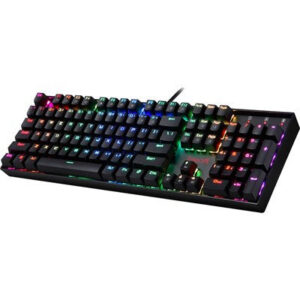
Redragon K551 RGB-1 MITRA Wired Mechanical Keyboard with Blue Switches (Black)
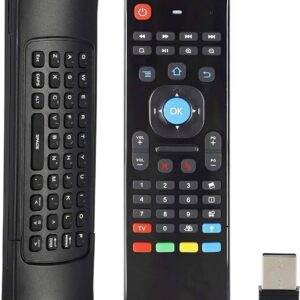
Air Mouse MX3 For Android and Smart TV
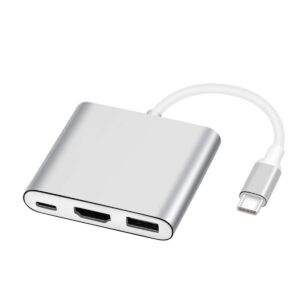
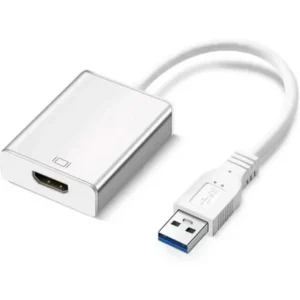
USB 3.1 Type C to HDMI, USB 3.0, and Type C 3.1 OTG Adapter
Air Mouse G10S with voice control
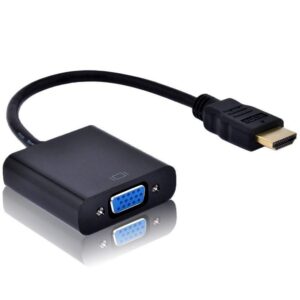
HDMI to VGA Converter 


There are no reviews yet.